
Why the handoff decides the edit
An editor can only work with what they are given. A clear handoff means the first draft is close to what you had in mind, and fewer revision rounds are needed. A vague one means guesses, questions and rework. Most of the time lost between recording and publishing is lost in the handoff, not in the editing.
1. Send the right files
- Originals, not copies. Send the files straight from the camera or recording tool. Messaging-app and screen-recorded copies lose quality and cannot be fixed later.
- Separate audio, if you recorded it. A dedicated microphone track almost always sounds better than the camera audio. Send both.
- Everything on screen. Include screen recordings, slides, b-roll and any images that belong in the video.
- Clear file names. "episode-12-host.mp4" and "episode-12-guest-audio.wav" are easier to work with than "final_v3_NEW.mp4".
- A working link. Share through Google Drive, Dropbox or a similar service with download allowed. Open the link in a private browser window to check that a stranger can access it.
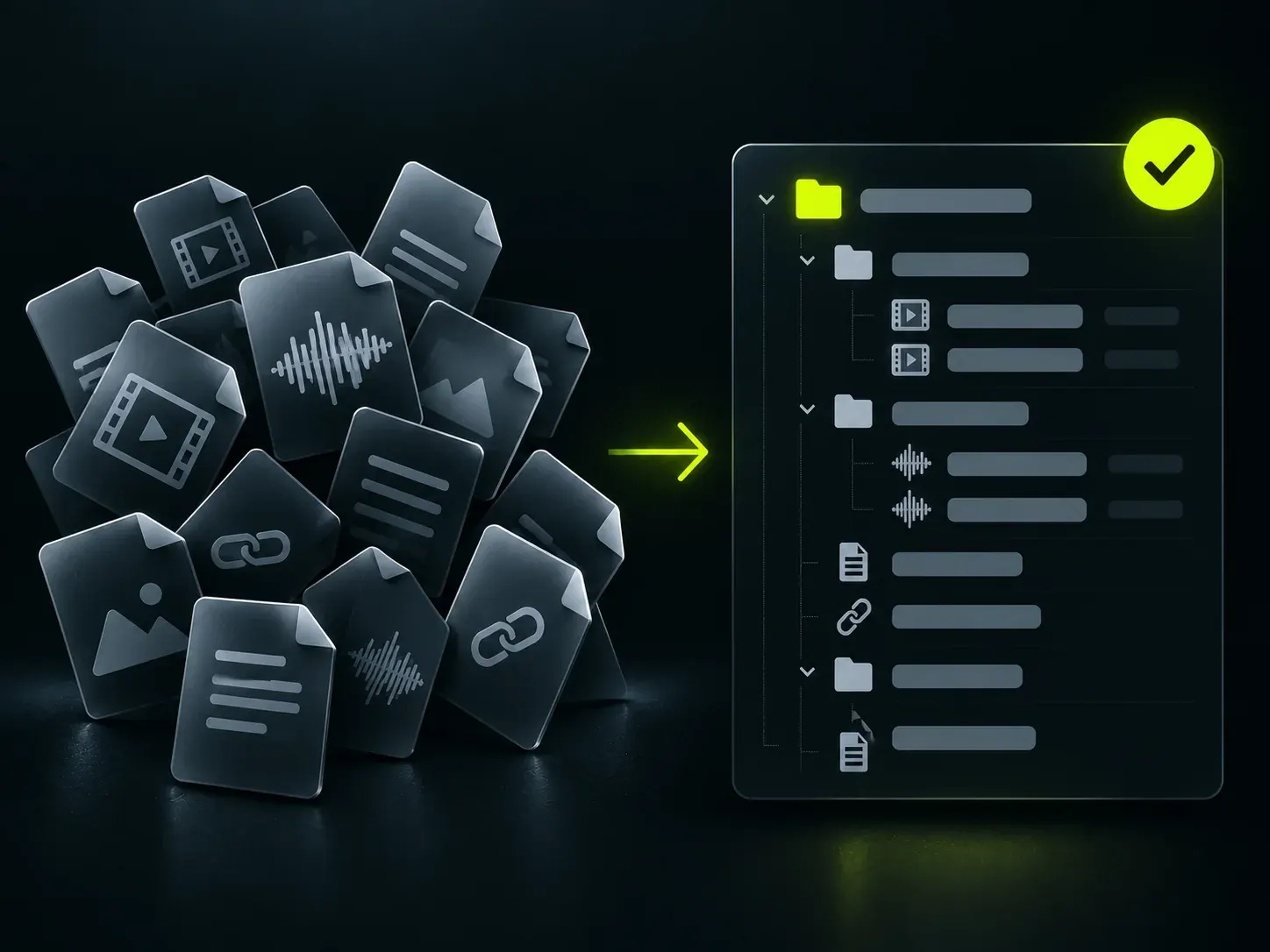
- Episode-12 One folder per video
- 01-footage Original camera or recording files
- episode-12-host.mp4
- episode-12-guest.mp4
- 02-audio Separate microphone tracks, if recorded
- host-mic.wav
- guest-mic.wav
- 03-brief.txt Goal, audience, platform, length, deadline
- 04-references.txt Two or three links, with a line on what you like
- 05-brand Logo, fonts, colours, name spellings
- 06-notes.txt Best moments, parts to cut, anything to ignore
2. Write a short brief
Five questions cover most of what an editor needs:
-
 Who The viewer you have in mind
-
 Goal What they should do or feel
-
 Where The platform it is made for
-
 Length A target, even a rough one
-
 Keep What must stay exactly as is
- Who is it for? The viewer, not your whole audience.
- What should they think, feel or do afterwards? Learn something, trust you, click a link, book a call.
- Where will it be published? A YouTube episode, a Reel and a LinkedIn post are edited differently.
- How long should it be? A target, even a rough one.
- What must stay exactly as it is? Key quotes, claims, names, or parts that need extra care.
3. Share two or three reference videos
Links to videos you like are the fastest way to communicate style. For each one, add a line on what you like: the pacing, the captions, the graphics or the music. If there is a style you do not want, send one example of that as well. Pick references from outside your field if you want something fresh.
4. Send your brand assets once
- Logo files, ideally with a transparent background.
- Fonts and colours, with hex codes if you have them.
- Intro and outro, if you use them.
- The exact spelling of names and titles for on-screen text.
- Music you are licensed to use, if you want specific tracks.
After the first video, a good editor reuses these, so you do not need to send them again.
5. Add notes on the footage
A few lines of notes can save hours: the timestamp of the best moments, parts to cut, retakes where the second take is the one to use, and anything to ignore, such as the first two minutes of setup. If a name or term is hard to hear, write it down.
6. Confirm you have the rights
- You own the footage or have permission to edit and publish it.
- Everyone who appears or speaks has agreed to appear in published content.
- Music, images and clips you ask the editor to use are licensed for your purpose.
- Nothing private, such as records or personal details, is visible in the recording unless you want it published.
7. Set the deadline and scope
Say when it needs to be published, how many videos or versions you need, and which formats. Leave time for your own review. A deadline that allows for one round of feedback is more realistic than one that assumes the first draft is final.
8. Agree how feedback will work
- Send it in one batch. One consolidated list works better than a message every time you notice something.
- Use timestamps. "At 02:14, cut the second example" is clearer than "the middle feels long".
- Separate must-fix from preferences. It helps the editor decide what to do first.
- Describe the problem, not only the fix. "This part drags" lets the editor find the best solution.
- Say when you approve. A clear yes tells everyone the video is final.
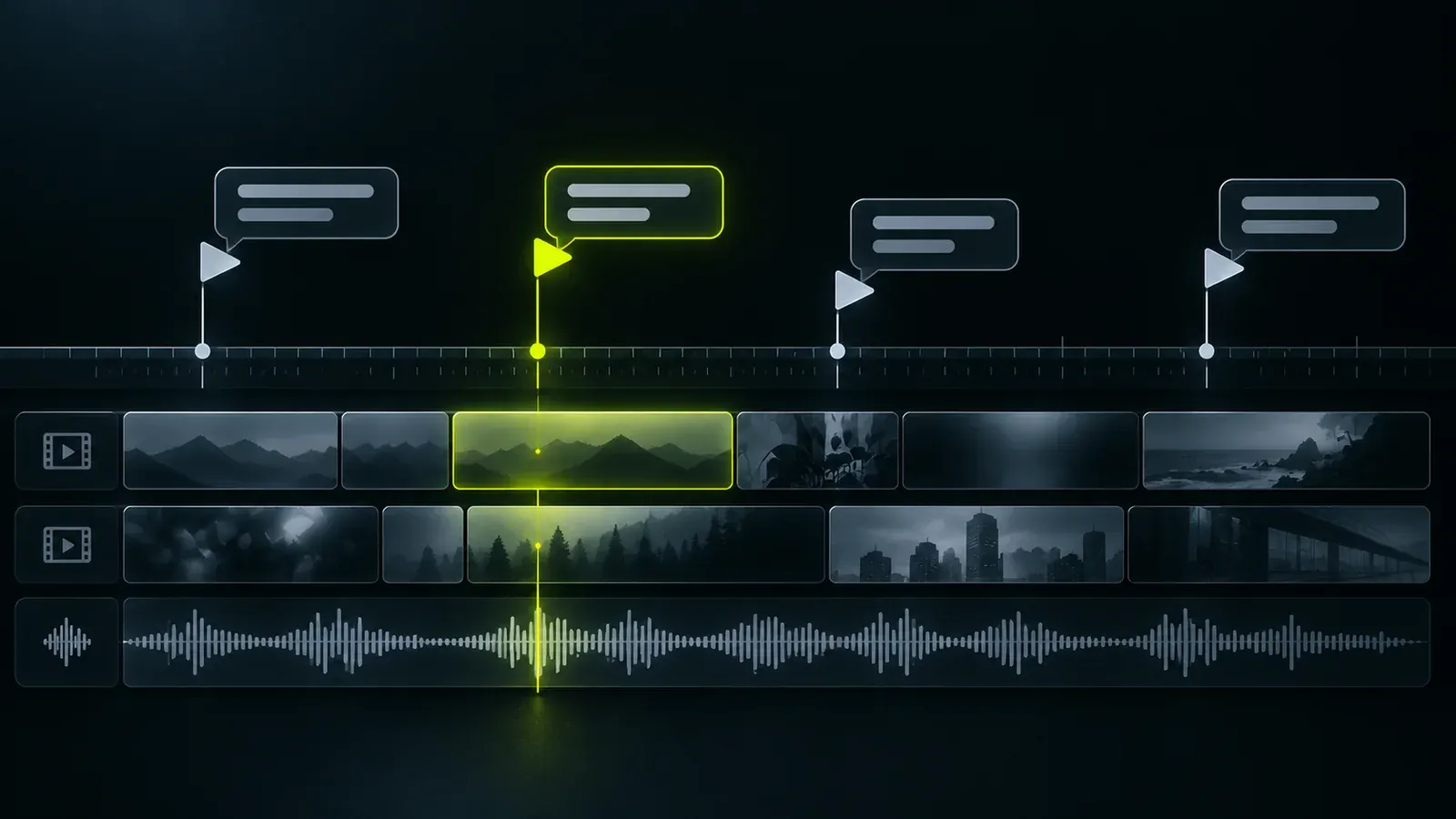
- 02:14 Cut the second example. It repeats the first. Must fix
- 12:30 Keep this quote exactly as spoken. Keep as is
- 18:05 Optional: try a punchier title card here. Preference
- 24:10 Audio dips when the guest laughs. Please level it. Must fix
A short example brief
Video: Episode 12, a 40-minute conversation about pricing for small service businesses.
For: Business owners who are new to pricing their work.
Goal: Viewers learn two practical ideas and want to listen to the next episode.
Publish: YouTube first, then three vertical clips for Reels and LinkedIn.
Length: Full episode around 30 minutes. Clips under 45 seconds.
Keep as is: The two pricing examples at 12:30 and 24:10.
References: Two links, one for pacing and one for captions.
Deadline: First draft by Friday, publish the following Tuesday.
The handoff checklist
- Original video files and any separate audio
- A shared link that works for strangers
- A short brief with the five questions answered
- Two or three reference videos, with notes
- Logo, fonts, colours and name spellings
- Notes on key moments and parts to cut
- Confirmation of rights and consent
- Deadline, formats and number of versions
- An agreed way to give feedback
If you also want short clips
Mention it in the brief so the editor can choose moments while editing the full video. For how clips are chosen and built, see how to turn a podcast episode into short clips.