
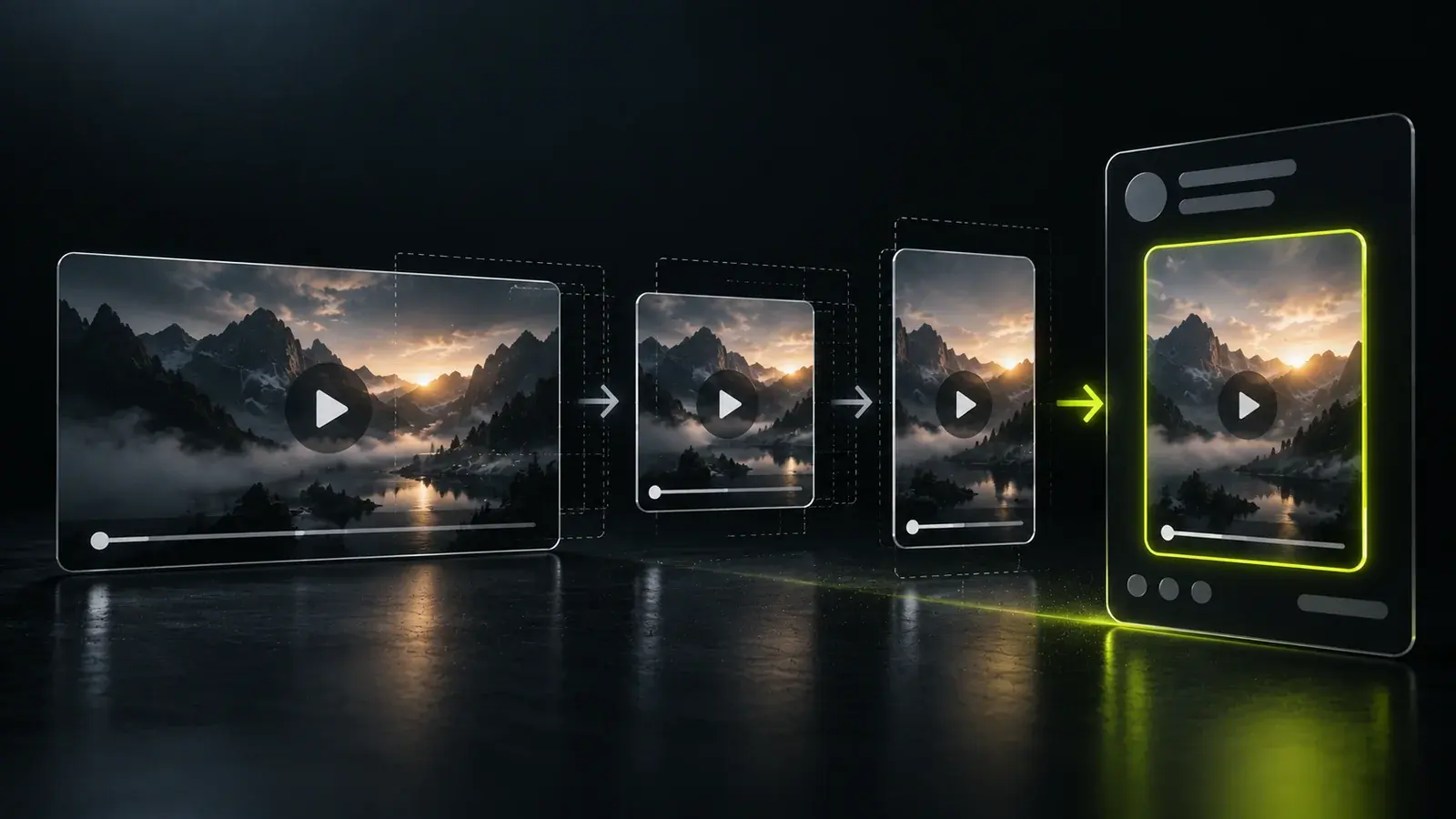
Why LinkedIn needs a different version
People open YouTube to watch something. They open LinkedIn to catch up on their field, and a video appears between other posts. That changes what works: a shorter piece, a faster opening, text that makes sense with the sound off, and a point that helps a working professional. The same recording can serve both, but it needs to be edited for each.
-
 Pick One idea from the video
-
 Cut A shorter, self-contained version
-
 Format Choose the shape for the feed
-
 Caption Readable without sound
-
 Post Write text that adds context
1. Pick one idea
A full video often covers several ideas. Choose the one that stands on its own and that your professional audience would find useful. It might be a framework, a lesson from an example, or a clear opinion. If you can state the idea in one sentence, it is probably right for a post.
2. Cut a shorter version
- Start on the point. Remove the greeting and the lead-in. For how, see how to write a hook for a short video.
- Keep one idea and finish with a conclusion, not mid-thought.
- Aim for a length that holds attention. Short explainers often work well, but test what your own audience watches to the end.
- Remove long pauses, repeated starts and filler words.
3. Choose the format
A 16:9 video made for YouTube leaves a lot of unused space on a phone. Square, 4:5 and vertical versions use more of the screen, but each needs the framing adjusted so the speaker stays in view.
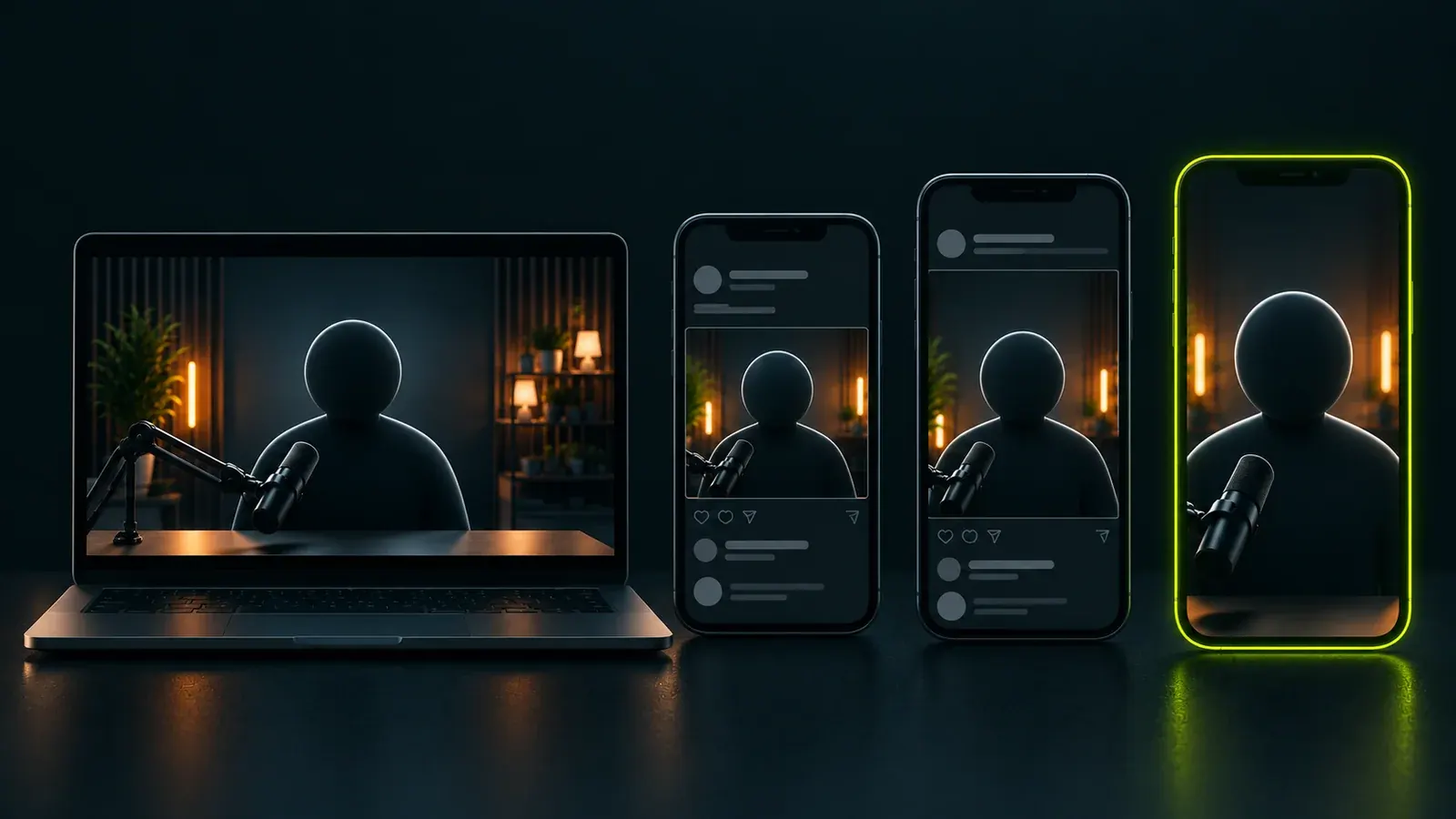
- 16:9 YouTube and full episodes
- 1:1 Square: safe in most feeds
- 4:5 Taller, takes more of the screen
- 9:16 Full-screen vertical
Pick one shape and keep it for your series. Whatever you choose, check how the video looks on a phone before you publish, since most people will see it there.
4. Add captions
Many people scroll LinkedIn with the sound off, for example at work. Captions make the video understandable in that case, and they help everyone follow the point. Keep them short, high contrast and correctly spelled, and leave the speaker's face clear.
5. Write the post text
- Lead with the idea. The first lines are what people see before choosing to read more, so make them count.
- Add context the video does not have. Who it is for, why it matters, one example.
- Keep it plain. Write the way you would explain it to a colleague.
- End with a clear next step, such as an invitation to comment, or a link to the full episode.
Upload natively, and decide where the link goes
Videos uploaded directly to LinkedIn usually play inline, while a link to another site asks viewers to leave. Many creators upload the video natively and add the YouTube link in the post text or a comment. Platform behaviour changes, so try both and see what your own audience responds to.
Common mistakes
- Posting the full YouTube video unchanged.
- A slow introduction, a logo sting, or a title card before the point.
- No captions, so the video makes no sense with the sound off.
- A wide frame that leaves the speaker tiny on a phone.
- Reusing the YouTube title as the post text instead of writing for the feed.
Keep it consistent
One good LinkedIn video helps a little. A steady series helps more, because people recognise the format and know what to expect. Decide how often you can realistically post, and plan a few clips from each video so the effort of recording is shared across several posts. A simple clip workflow makes that easier.